
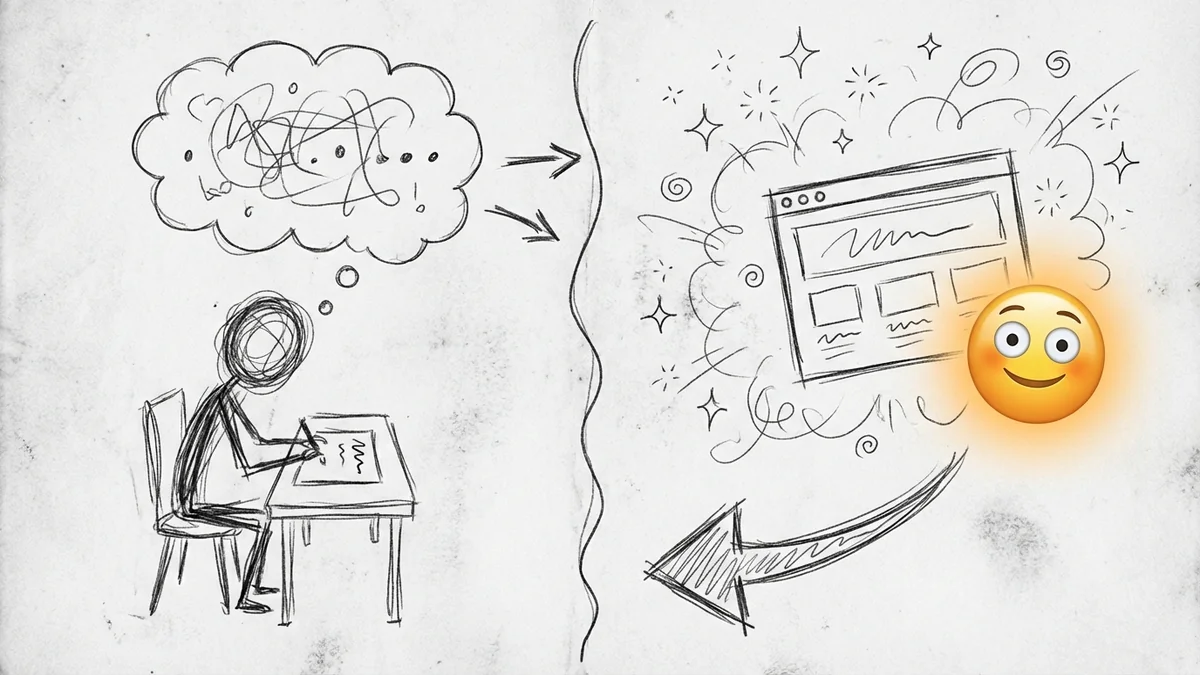

So here's something that just changed how I work with clients.
Last week, Anthropic (the company behind Claude) released a feature called Artifacts. It sounds boring. It's not. It lets you see live previews of code, documents, and website designs right next to your conversation with Claude.
That means I can now show a contractor in Arroyo Grande what their website could look like before we write a single line of production code. Not a wireframe. Not a sketch. An actual working preview they can click on.
What Artifacts Actually Is
When you ask Claude to generate code—say, a landing page, a contact form, or a pricing table—instead of just showing you the code in the chat, it now opens a panel on the right side where you can see the result running.
Ask for a website hero section? You see the hero section. Ask for a button with a hover effect? Watch it hover. Ask for an SVG logo? There it is, rendered and ready to download.
This might sound like a small thing. It's not.
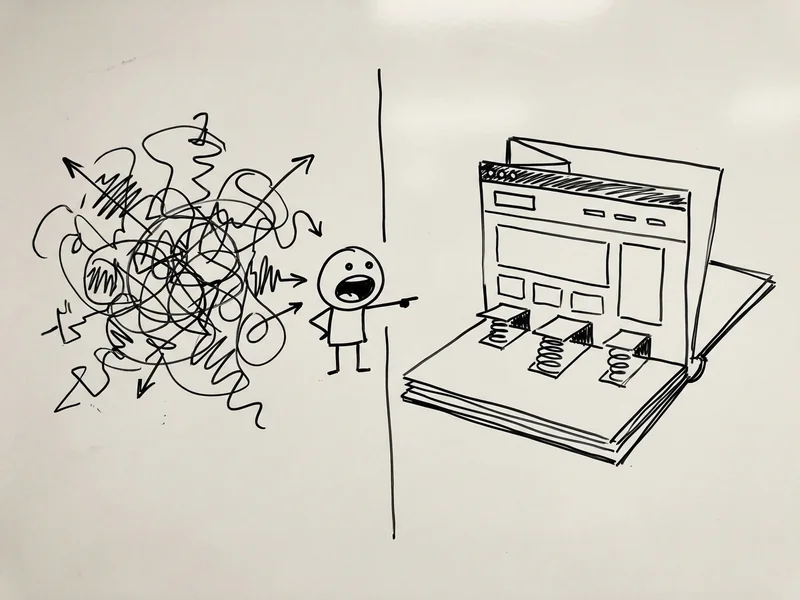
The Old Way (Which Was Slow)
Here's how client mockups used to work:
- Client describes what they want (usually vaguely)
- I spend 2-4 hours creating a design mockup in Figma or similar
- We have a meeting to review it
- "Can we make the header bigger? What if the button was green?"
- Back to Figma for revisions
- Another meeting
- Repeat until everyone's happy or exhausted
By the time we get to actual development, we've had three meetings and I've made fifteen versions of the same header.
The New Way
Last Tuesday, I had a discovery call with a landscaper. He wanted to update his website. Instead of scheduling a follow-up meeting after I'd created mockups, I shared my screen and typed:
"Create a simple landing page for a landscaping business in San Luis Obispo. Hero section with a photo background, headline 'Your Outdoor Living Starts Here', subheadline about 15 years of experience, and a green 'Get a Free Quote' button."
Ten seconds later, there it was. A working preview of his landing page.
"What if the button was more orange?" he asked.
I typed: "Make the button orange instead of green."
Done. Five seconds.
"Can we add a phone number at the top?"
Typed it. Done.
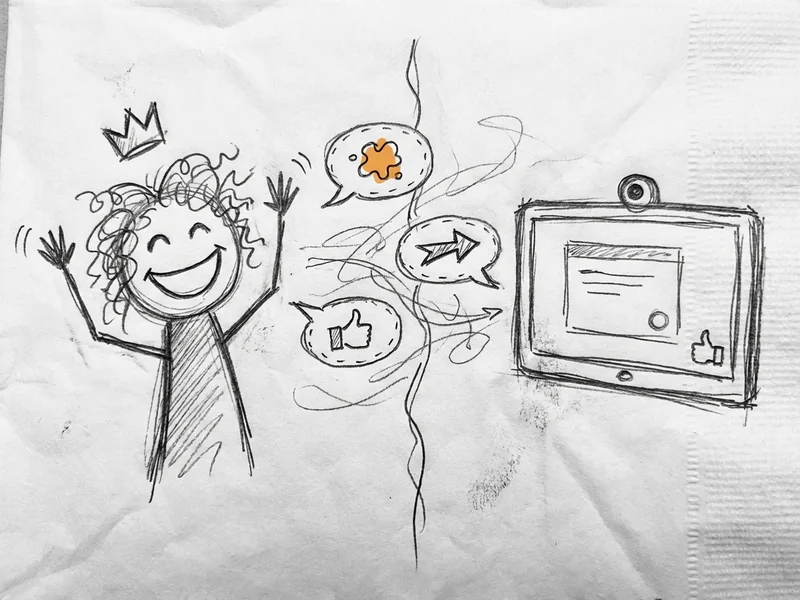
We went through six variations in the time it would have taken me to open Figma. By the end of the call, he knew exactly what he was getting, and I knew exactly what to build.
What Claude 3.5 Sonnet Brings to the Table
Artifacts launched alongside Claude 3.5 Sonnet on June 20, 2024. Sonnet is the new mid-tier model, and it's legitimately impressive for code:
- Solved 64% of coding problems in Anthropic's internal tests, compared to 38% for their previous best model
- Runs at twice the speed of the old flagship
- Free tier available on claude.ai (with rate limits)
For generating website mockups, this speed matters. Nobody wants to wait 30 seconds between iterations on a client call.
What You Can Actually Make
I've been testing this for a few days. Here's what works well:
Landing pages and hero sections: These come out polished enough to show clients. Not production-ready, but absolutely good enough for "is this the direction you want?"
Contact forms: Ask for a contact form with specific fields and it'll build one that actually works (the submit won't go anywhere, but the form validates).
Pricing tables: Three-column pricing comparisons, feature lists, highlight the popular tier—all quick.
SVG graphics and icons: Need a simple logo concept or icon set? Claude can generate SVGs you can download and use.
Interactive elements: Buttons with hover states, accordions that expand, tabs that switch. All functional in the preview.
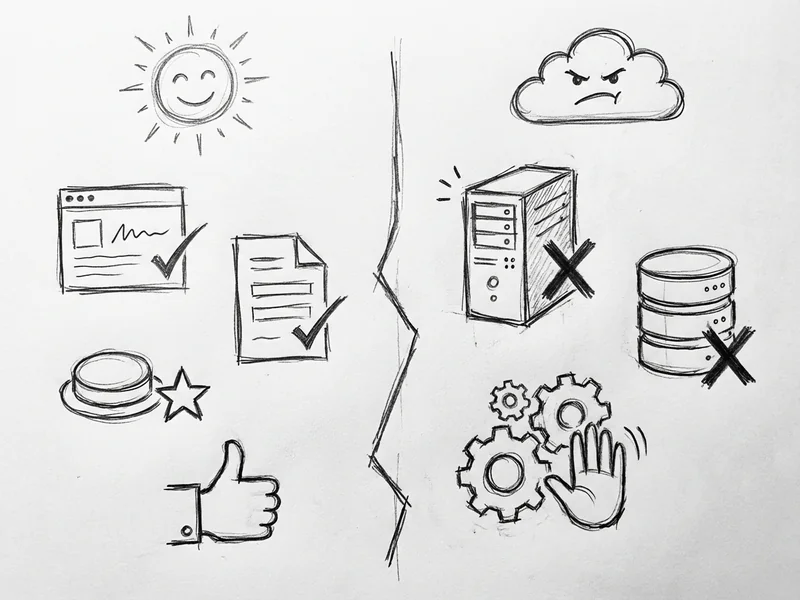
What It's NOT
Let me be clear about limitations:
This isn't production code. The HTML and CSS Claude generates is functional but not optimized. I use Artifacts for mockups and prototypes, not for building the actual site.
Complex interactions need refinement. Multi-page navigation, database connections, user authentication—none of that happens in Artifacts. It's for visual mockups, not full applications.
Design taste varies. Sometimes Claude nails it. Sometimes you get something that looks like it was designed by a committee in 2015. You need to guide it.
Why This Matters for Small Businesses
If you've ever hired someone to build a website, you know the frustrating part isn't usually the building—it's getting on the same page about what you actually want.
"Make it pop" means something different to everyone. "Clean and modern" is subjective. "Like Apple but for plumbers" is... a starting point, I guess.
With Artifacts, those conversations become show-and-tell instead of describe-and-hope. You see something, you react, we adjust. In real time.
This is already how 62% of developers are working now—using AI tools to speed up their process. And 52% of agencies say AI is one of the biggest trends affecting their work right now.
The difference is now you can be part of that process too.
Try It Yourself
Artifacts is free to use on claude.ai. You'll need to create an account, but there's no credit card required.
Try this prompt to start:
"Create a simple landing page for a [your business type] in [your city]. Include a hero section with a headline, a brief description, and a call-to-action button. Make it look professional and modern."
Then start iterating. Change the colors. Move sections around. Add your actual business details.
It won't be your final website, but it'll get you thinking about what you actually want—which is half the battle.
What YouGrow Does Differently
I use tools like Artifacts to accelerate the early stages—getting alignment on direction before spending hours on implementation. But the final site you get from YouGrow isn't AI-generated code pasted together.
It's custom-built, optimized for performance, and designed to actually convert visitors into customers. The AI helps us get to "yes, this is what I want" faster. The craftsmanship is still human.
If you're curious what your business could look like online, let's chat. I'll probably use Artifacts to show you some ideas live on the call.