
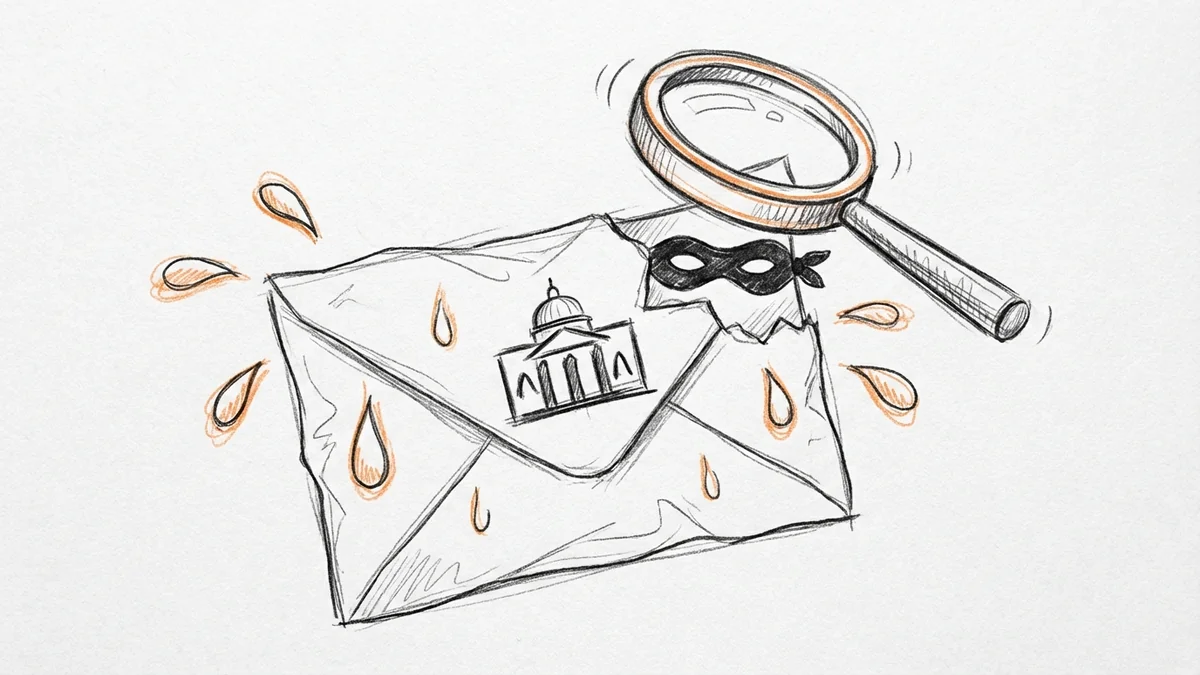

It's April. You just filed your taxes. Then you get an email: "IRS Notice: Action Required on Your 2023 Tax Return." Your stomach drops. Here's the thing: that email isn't from the IRS. It's from someone trying to steal your money. And these scams are getting scary good at looking real.
The One Rule That Makes This Simple
Ready? Here it is:
The IRS does not email you. Period.
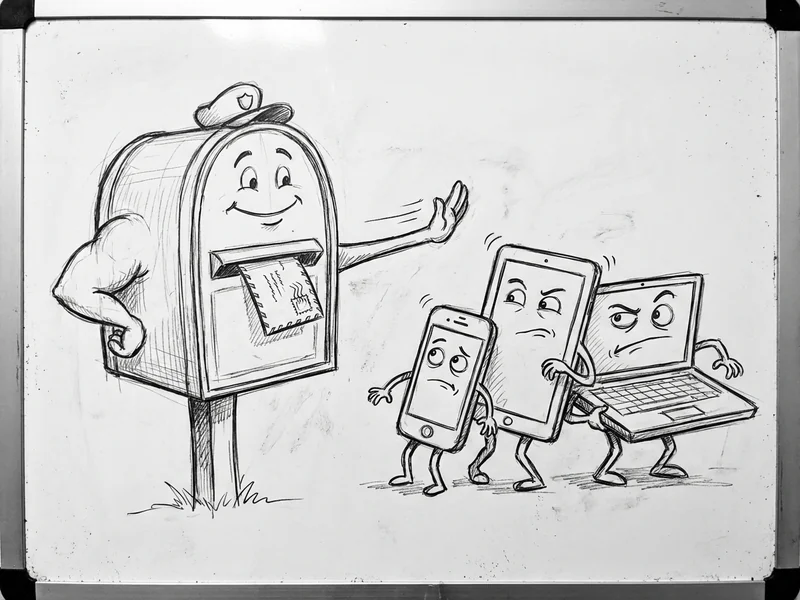
The IRS will never initiate contact with taxpayers by email, text, or social media regarding a bill or tax refund. If the IRS needs to reach you, they send paper mail. Through the actual postal service. With a stamp.
That's it. That's the whole thing. Any email claiming to be from the IRS is fake. Any text message claiming to be from the IRS is fake. There are no exceptions.
You can stop reading here if you want. But if you're curious about why these scams are getting harder to spot and what to do if you already clicked something, keep going.
Why These Scams Are Getting Scarier
Remember when scam emails were obvious? Bad grammar, weird formatting, "Dear Valued Customer" from a Nigerian prince? Those days are over.
AI-driven phishing attacks increased 60% in 2024. Scammers are using the same AI tools that write marketing copy and answer customer service chats to craft emails that look completely legitimate. Perfect grammar. Professional formatting. Convincing details. (We covered how this is hitting businesses with fake CEO emails too.)
About 40% of phishing emails targeting businesses are now AI-generated. That means the obvious red flags—spelling mistakes, weird phrasing—aren't reliable anymore. These emails read like they were written by someone who actually works at the IRS.
What These Fake Emails Look Like
The scammers have gotten creative. Here are the versions I've seen hitting inboxes around SLO County:
The "Problem with Your Return" email: Claims there's an issue with your tax return that needs immediate attention. Includes a link to "verify your information" or "schedule a call with an IRS agent."
The "Refund Pending" email: Says you have a refund waiting, but you need to confirm your bank details first. Often includes a dollar amount that sounds plausible.
The "Tax Transcript Request" email: Claims someone requested your tax transcript and asks you to verify if it was you. Creates urgency by implying identity theft.
The "Payment Declined" email: For people who owe taxes, this claims your payment didn't go through and threatens penalties if not resolved immediately.
All of these emails have one thing in common: they want you to click a link. That link either installs malware or takes you to a fake website designed to steal your login credentials, Social Security number, or banking information.

Red Flags That Give Away the Fakes
Even with AI making these emails better, there are still tells:
- Any email at all. Seriously—if it claims to be from the IRS and it's in your inbox, it's fake.
- Urgency language. "Immediate action required." "Your account will be suspended." "Respond within 24 hours." The real IRS gives you time to respond—usually 30+ days.
- Links to anything other than irs.gov. Hover over links before clicking. The real IRS website is irs.gov. Not irs-gov.com. Not irs.gov.verify.com. Not secure-irs-login.net.
- Requests for personal information. The IRS already has your Social Security number. They don't need you to "verify" it.
- Threats of arrest or immediate legal action. The IRS doesn't threaten to have you arrested via email. That's not how any of this works.
- Gift card requests. I wish I was joking, but some scams actually ask for payment in gift cards. The IRS accepts payment via check, electronic payment, or approved payment plans. Never gift cards.
The Numbers Are Grim
This isn't a minor annoyance—it's a massive industry.
The FBI received over 193,000 phishing complaints in 2024, making it the most reported cybercrime. Those complaints represented over $70 million in losses. And that's just what gets reported—most people who fall for scams never report them out of embarrassment.
Tax season makes it worse. Scammers know people are expecting communication about their taxes. They know you're anxious about refunds or worried about owing money. They exploit that stress.
The IRS reported that two-thirds of their Business Email Compromise complaints last year came from a single type of scam: fake "new client" emails targeting accountants and tax preparers. Scammers aren't just going after individuals—they're targeting the pros, too.
What to Do If You Get One of These Emails
Don't click anything. Don't reply. Here's the actual playbook:
- Don't click any links. Not even to "unsubscribe." Clicking confirms your email address is active and can trigger more scams.
- Forward the email to [email protected]. The IRS actually collects these to track scam patterns. Just forward it as-is.
- Delete the email. Get it out of your inbox so you don't accidentally click it later.
That's it. Three steps. Don't engage, report it, delete it.
What to Do If You Already Clicked
Okay, don't panic. Here's what to do:
If you clicked a link but didn't enter any information: You're probably fine. Run a virus scan on your computer to be safe. Monitor your accounts for the next few weeks.
If you entered personal information:
- Change your passwords immediately—especially for your email, bank accounts, and any tax-related accounts.
- Contact your bank if you entered financial information. They can monitor for suspicious activity.
- File a report with the FTC at reportfraud.ftc.gov.
- Consider a credit freeze with the three major bureaus (Equifax, Experian, TransUnion). This prevents anyone from opening new accounts in your name.
- Request an Identity Protection PIN from the IRS at irs.gov/identity-theft-fraud-scams/get-an-identity-protection-pin. This six-digit PIN is required for filing taxes and prevents someone else from filing a fraudulent return in your name.
If you actually sent money—contact your bank immediately. If you paid by debit card, they may be able to reverse the charge. If you wired money or sent gift cards, that money is likely gone, but report it anyway for documentation.

How to Actually Contact the IRS
If you genuinely need to reach the IRS—maybe you got a legitimate paper notice or have a question about your taxes—here's how:
- Go directly to irs.gov. Type it into your browser. Don't click links from emails.
- Call the IRS directly at 1-800-829-1040 for individuals or 1-800-829-4933 for businesses. Yes, hold times can be brutal. That's still better than giving your information to scammers.
- Use the IRS's official online tools. You can check your refund status, set up payment plans, and more at irs.gov without ever opening a suspicious email.
The IRS has actually gotten better about their online services in recent years. If you create an account at irs.gov, you can access most of what you need without ever calling.
Protecting Your Business
If you run a small business, the stakes are higher. Scammers love targeting business owners because business accounts often have more money and more access.
A few things that help:
- Train your team. Anyone who handles email should know that the IRS doesn't email. Make it part of onboarding.
- Use two-factor authentication on all business accounts. If someone does steal a password, they still can't get in.
- Set up email alerts for any significant financial transactions. Early detection can limit damage.
- Have a response plan. Who do you call if something happens? What accounts need to be frozen? Having this documented saves precious time during an actual incident.
The Bottom Line
The IRS doesn't email you. Full stop. Any email claiming to be from the IRS is a scam. It doesn't matter how official it looks, how accurate the details seem, or how urgent it sounds.
These scams work because they create fear and urgency. Tax season is stressful enough without worrying about fake emails. Now you know what to look for.
Forward suspicious emails to [email protected], delete them, and get on with your day. If you're ever genuinely unsure about your tax situation, go directly to irs.gov or call them. The real IRS has your information—they don't need you to click a link to "verify" anything.
Need Help With Your Business's Security?
Email scams are just one piece of the security puzzle. If you're a small business on the Central Coast trying to figure out how to protect yourself online, I'm happy to chat. No sales pitch—just a conversation about what actually makes sense for your situation.
Every YouGrow website includes proper email authentication (SPF, DKIM, DMARC) to make sure your legitimate business emails actually reach your customers—and to make it harder for scammers to impersonate you. It's not a guarantee, but it's one more layer of protection.