
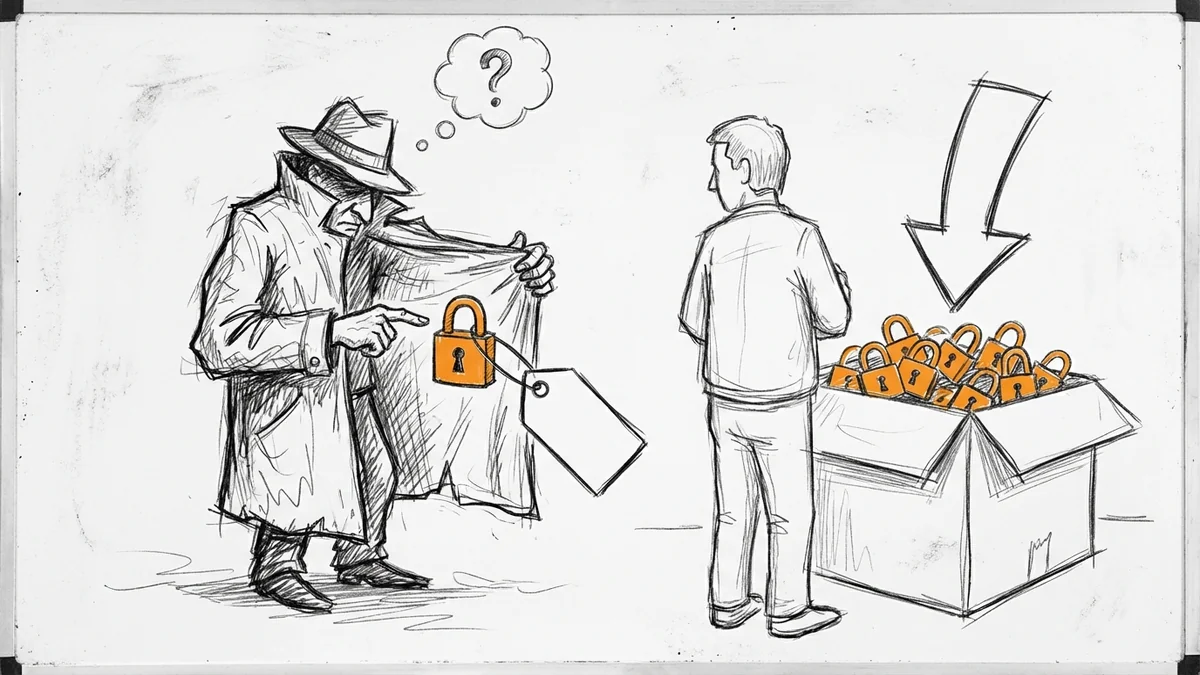

So your friend just told you their web host is charging $150/year for an SSL certificate. Maybe you're paying something similar. Here's the thing: SSL certificates have been free since 2015. If someone's charging you for one, they're pocketing the difference.
What SSL Actually Is (Without the Tech Talk)
You know that little padlock icon in your browser's address bar? That's SSL at work. It means the connection between your visitor's browser and your website is encrypted—scrambled so nobody can snoop on it.
Think of it like sending a letter in a locked box instead of a postcard. Without SSL, anyone between point A and point B can read what's being sent. Passwords, credit card numbers, contact form submissions—all of it.
Since July 2018, Google Chrome marks any site without SSL as "Not Secure" right in the address bar. That warning alone can scare visitors away before they even see your homepage.
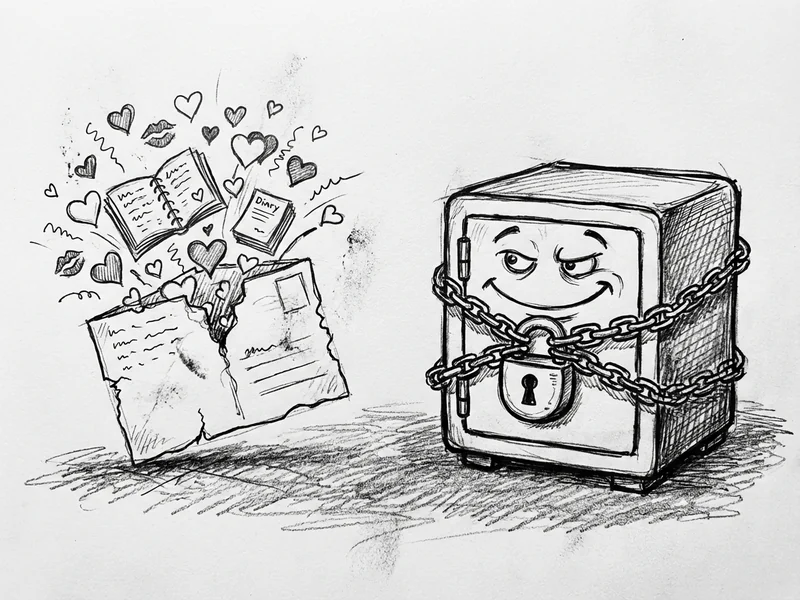
Why SSL Is Free Now
Back in 2015, a nonprofit called Let's Encrypt launched with one mission: make SSL certificates free, automated, and available to everyone. They're backed by Mozilla, Google, Facebook, and other major tech companies.
It worked. Today, Let's Encrypt provides SSL for over 60% of all websites on the internet. And nearly 87% of websites now use HTTPS by default.
The encryption you get from a free Let's Encrypt certificate is exactly the same as what you'd get from a paid certificate. Same padlock. Same scrambled data. Same protection.
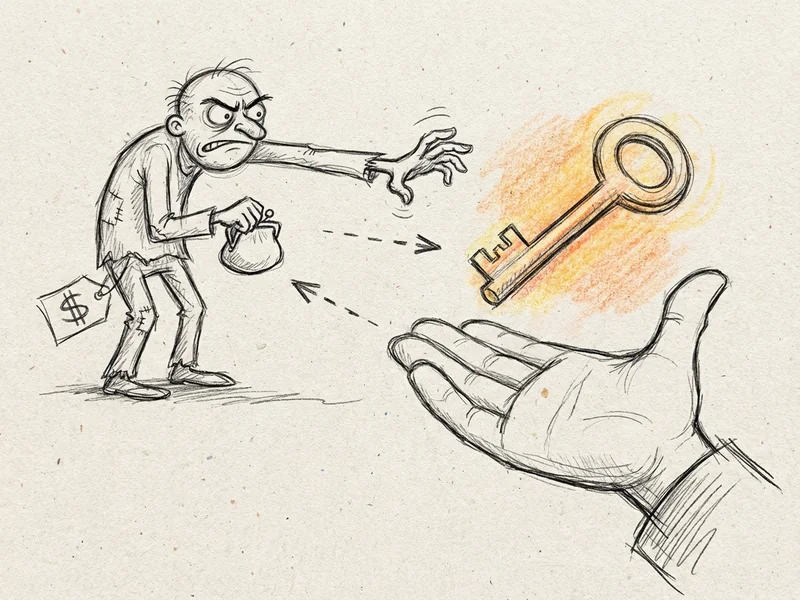
When Paid SSL Actually Makes Sense
I'm not going to tell you paid SSL is always a scam. There are a few legitimate cases where you might pay:
- Extended Validation (EV) certificates show your company name in the address bar (though most browsers have phased this out)
- Wildcard certificates cover unlimited subdomains if you have dozens of them
- Warranties some premium certificates include insurance if something goes wrong
But here's the math: basic paid SSL certificates start around $8/year. The most expensive enterprise certificates top out around $1,000/year. Nobody needs to pay $150/year for a basic single-domain certificate.
For 99% of small business websites? Free Let's Encrypt is exactly what you need.
What Your Host Is Actually Charging For
So why does your invoice say $150 for "SSL"? A few possibilities:
They're selling you something that's free. Some hosts literally just install Let's Encrypt and charge you for it. That's like charging for tap water.
It's bundled with other services. Sometimes "SSL" includes monitoring, auto-renewal, or customer support. Those might be worth something—but probably not $150.
They're using a premium certificate you don't need. Some hosts default everyone to expensive certificates when free ones would work identically.
Ask for an itemized receipt. If they can't explain exactly why you're paying what you're paying, that tells you something.
How to Check What You're Currently Paying
Pull up your hosting invoice or login to your hosting dashboard. Look for line items mentioning:
- SSL certificate
- Site security
- HTTPS
- Secure connection
- "Trust seal" or "security badge"
If you see charges for any of these, ask your host: "Is this a free Let's Encrypt certificate or a paid one? If paid, why do I need the paid version?"
A good host will give you a straight answer. A bad one will give you the runaround.
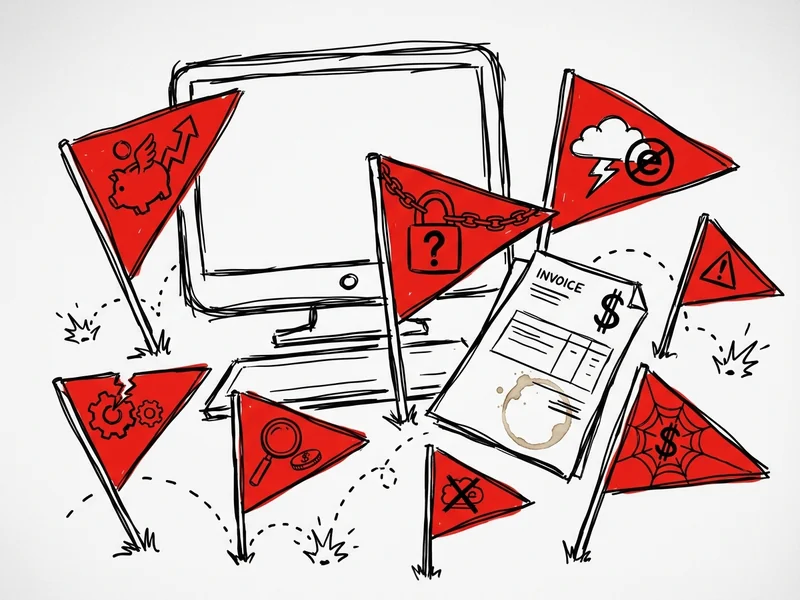
The Real Red Flags to Watch For
SSL charges are just one symptom. If your host is overcharging for SSL, they're probably overcharging for other things too:
- Domain renewal markup. Domains cost about $10-15/year for common extensions. Some hosts charge $30+.
- "Premium" email. Basic business email through Google Workspace costs $6/month. Some hosts charge double.
- "Security monitoring." Often just automated scans that free plugins do equally well.
- "Maintenance fees" for clicking "update" once a month.
None of these are inherently bad services. But if you're paying more than market rate across the board, it adds up fast.
What to Do If You're Being Overcharged
First, don't panic. You're not stuck. Here are your options:
Option 1: Ask for the free certificate. Many hosts offer Let's Encrypt for free—they just don't advertise it. Ask directly: "Can I switch to a free Let's Encrypt certificate?"
Option 2: Switch hosts. If your current host won't budge, there are plenty that include free SSL automatically. You shouldn't have to think about it.
Option 3: Use Cloudflare. Their free tier includes SSL for any site, regardless of your host. It takes about 15 minutes to set up.
Whatever you do, don't keep paying $150/year for something that should cost $0.
What YouGrow Does
Every YouGrow site includes free SSL—because that's just how the internet works now. It's not a feature. It's table stakes. Everything's included.
I'm not going to charge you extra for something that costs me nothing. If you're with a host that does, that says something about how they'll treat you on everything else.
Got questions about what you're being charged? Give me a call. Happy to take a look at your invoice and tell you what's reasonable and what's not—whether or not we end up working together.