


Here's a fun stat: businesses spend an average of 25 hours a week on manual data entry. That's more than three full workdays. Every week. Just copying information from one place to another.
And it's not just data entry. 94% of small business employees say they spend time on repetitive, time-consuming tasks. That's basically everyone. If you run a small business, you're doing work that a robot should be doing for you.
So let me show you 5 specific automations that actually save time. Not theoretical "you could automate this" ideas. Actual workflows I've set up for clients, with step-by-step instructions.
First: What Is Zapier, Exactly?
Zapier is basically a translator between apps. You know how your email doesn't talk to your spreadsheet, and your calendar doesn't know what's in your CRM? Zapier connects them.
You create "Zaps"—automated workflows that say "when X happens in App A, do Y in App B." No coding. You just click dropdowns and tell it what to watch for.
The free tier gives you 5 automations and 100 tasks per month. That's enough to test whether it's worth it before spending money.
Automation #1: Form Submission to Spreadsheet + Notification
The problem: Someone fills out your contact form. You get an email notification (maybe). You manually add their info to a spreadsheet for tracking. You forget to follow up. They go somewhere else.
The fix: Automatically capture every form submission in a Google Sheet AND send yourself a Slack or text notification.
Apps involved: Any form tool (Google Forms, Typeform, Gravity Forms) + Google Sheets + Slack (or SMS)
How to set it up:
- In Zapier, create a new Zap
- Trigger: "New form submission" in your form app
- Action 1: "Create spreadsheet row" in Google Sheets
- Action 2: "Send channel message" in Slack (or "Send SMS" via Twilio)
Time saved: ~5 minutes per lead, zero missed inquiries. If you get 10 leads a week, that's almost an hour back plus no more "oops, I forgot to add them" moments.
Automation #2: Payment Received to Onboarding Email
The problem: Client pays. You celebrate for 3 seconds. Then you remember you need to send them the welcome packet, add them to your client list, schedule the kickoff call... and you're already behind on other work.
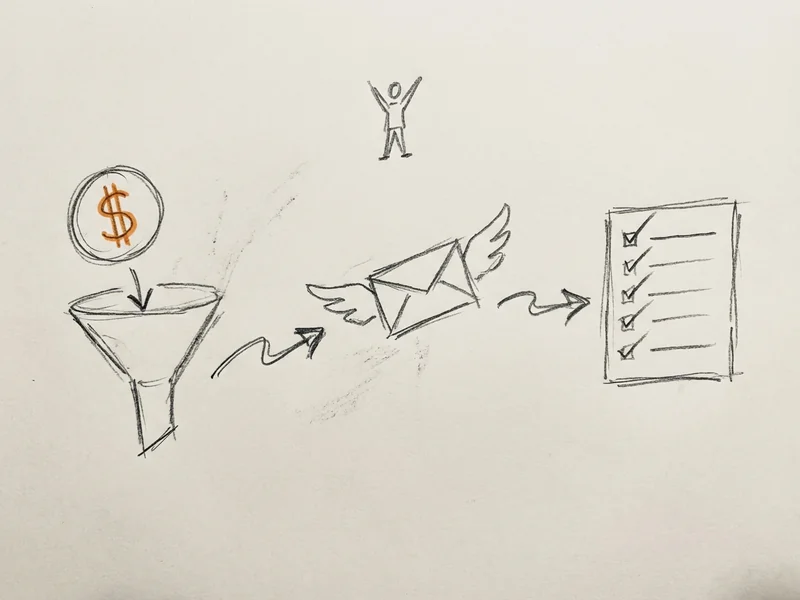
The fix: When payment hits, automatically send a welcome email with onboarding docs, add them to your CRM, and create a task to schedule the kickoff.
Apps involved: Stripe or Square + Gmail + Google Sheets (or CRM) + Todoist/Asana
How to set it up:
- Trigger: "New payment" in Stripe
- Action 1: "Send email" in Gmail with your welcome template
- Action 2: "Create spreadsheet row" to log the new client
- Action 3: "Create task" in your task manager with due date
Time saved: ~15-20 minutes per new client. Plus clients get instant confirmation instead of waiting for you to notice the payment. (Just make sure your emails are set up to actually land in the inbox—automated emails only work if people see them.)
Automation #3: Calendar Booking to Follow-Up Sequence
The problem: Someone books a consultation. You mean to send them a prep email before the call. You forget. The call happens and they're unprepared. Or worse—they no-show because they forgot too.
The fix: Automatically send a "what to expect" email when someone books, then a reminder the day before.
Apps involved: Calendly (or Google Calendar appointments) + Gmail
How to set it up:
- Trigger: "New event" in Calendly
- Action 1: "Send email" immediately with prep info
- Add a Delay step: "Wait until 1 day before event"
- Action 2: "Send email" reminder with meeting link
Time saved: ~5 minutes per booking, plus fewer no-shows. One client of mine went from 3-4 no-shows per month to basically zero after adding automated reminders.
Automation #4: Social Media Scheduling + Cross-Posting
The problem: You post something on Instagram. Then you remember you should also put it on Facebook. And LinkedIn. And maybe Twitter. By the time you're done, 45 minutes are gone.
The fix: Post once, automatically share everywhere (with platform-appropriate formatting).
Apps involved: Buffer or Hootsuite + Instagram + Facebook + LinkedIn
Alternative for simpler setup: RSS feed from your blog + social platforms
How to set it up:
- Trigger: "New post" on your primary platform (or "New RSS item" from your blog)
- Action 1: "Create post" on Facebook
- Action 2: "Create post" on LinkedIn
- Use Zapier's formatter to adjust character limits per platform
Time saved: Automating social posts can save more than 6 hours per week. Even if you only post a few times weekly, you're saving an hour or more.
Automation #5: Invoice Tracking + Late Payment Reminders
The problem: You sent an invoice 2 weeks ago. Did they pay? You dig through email. Check your accounting software. Still not sure. Meanwhile, the money's just... out there.
The fix: Track all invoices in one spreadsheet, automatically flag overdue ones, and send gentle nudge emails.
Apps involved: QuickBooks or FreshBooks + Google Sheets + Gmail
How to set it up:
- Trigger: "New invoice" in QuickBooks
- Action 1: "Create row" in Google Sheets with amount, date, status
- Create a separate Zap: Trigger on schedule (every Monday)
- Action: Use Zapier's "Filter" to find invoices over 14 days old, then send reminder email
Time saved: ~20-30 minutes per week checking invoice status. Plus you actually get paid on time because reminders go out automatically.
Why This Matters for Small Businesses
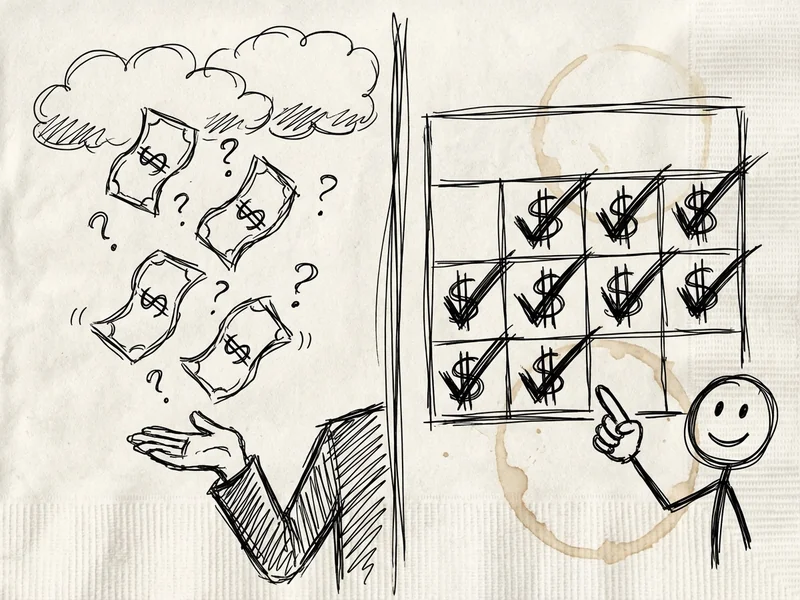
Here's what's interesting: 88% of small businesses say automation helps them compete with larger companies. Not by having more people—by having smarter systems.
When a big company gets a lead, they have a whole team to follow up. When you get a lead, it's just you. Automation is how you match their response time without cloning yourself.
And it's not just about speed. 65% of knowledge workers say they're less stressed because they automate tasks. Less "did I forget something?" anxiety. Less weekend catch-up on admin work.
McKinsey estimates that 60% of jobs could save 30% of their time through automation. That's not replacing workers—that's freeing them to do work that actually matters.
Getting Started (The Easy Way)
You don't need to build these from scratch. Zapier has a template library with pre-built automations for most common workflows. Search for your use case, click "Use this Zap," connect your accounts, done.
Start with one automation. The one that annoys you most. Set it up, let it run for a week, see how much time it saves. Then add another.
The free tier (5 Zaps, 100 tasks/month) is enough to automate the basics. More than a third of no-code tool users save 10-20 hours just from their first few automations.
If you outgrow the free tier, paid plans start at $20/month. Still cheaper than hiring someone to copy-paste data all day.
When Zapier Isn't the Answer
Quick reality check: automation won't fix a broken process. If your workflow is confusing before automation, it'll be confusing after. Sometimes you need to simplify first.
Also, Zapier works best for straightforward "if this, then that" tasks. If your workflow has lots of conditional logic ("if the client paid over $500 AND they're in California AND it's their second purchase..."), you might need something more powerful—or custom development.
And if the task takes you 2 minutes once a month? Not worth automating. Focus on the repetitive stuff that eats real time.
The Bottom Line
You're probably spending hours every week on tasks a computer could do in seconds. Form submissions, payment notifications, calendar reminders, invoice tracking—none of this needs human attention.
Pick one of these five automations. Set it up this week. See how it feels to have fewer things to remember.
Your future self will thank you. So will your clients, who get faster responses while you're actually focused on the work they're paying you for.
Need Help Setting This Up?
If you're staring at Zapier like it's written in another language, or you've got a specific workflow that's eating your time—let's talk. I've set up dozens of these for clients.
Sometimes the 30-minute conversation about what to automate is worth more than the automation itself. Happy to point you in the right direction.