
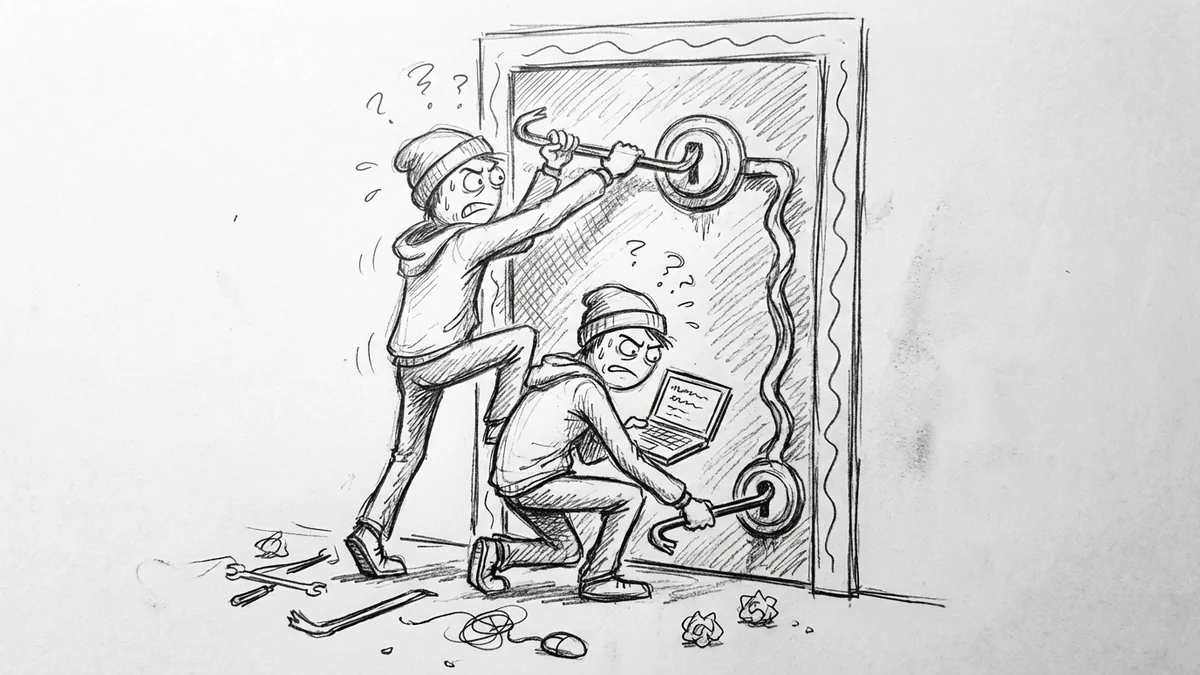

Here's a nightmare scenario: your office manager gets phished. Someone sends a convincing email that looks like it's from Google, she clicks the link, enters her password. Now an attacker has admin access to your Google Workspace.
What can they do? Disable two-factor authentication for everyone. Reset passwords. Delete all your emails and documents. Change your domain settings. Export everything in Google Vault. All of it, in minutes, from a single compromised account.
This isn't hypothetical. 83% of organizations experienced at least one account takeover attack. And account takeover losses are projected to hit $17 billion in 2025.
Google built a fix for this: multi-party approvals. It's been quietly available since April 2024, and most businesses have never heard of it.
What Multi-Party Approvals Actually Does
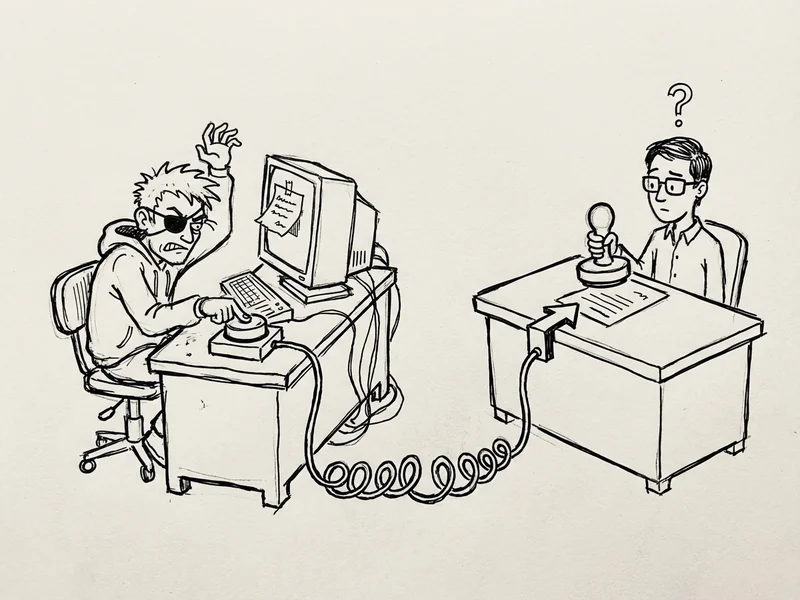
Certain dangerous admin actions can't happen unless a second admin approves them.
Think of it like a safe deposit box at a bank. You need two keys from two different people to open it. Even if someone steals one key, they can't get in.
Here's how it works in practice:
- Admin A tries to turn off two-factor authentication enforcement
- Google says "This action requires approval from another admin"
- Admin A submits a request explaining why they want to make this change
- Admin B gets an email notification
- Admin B reviews the request and either approves or denies it
- If approved, the change goes through. If denied (or ignored for 3 days), nothing happens.
The attacker who phished one account? They're stuck. They can request changes all day long, but without that second approval, nothing catastrophic happens.
What Actions Can Be Protected
Not every setting needs this level of protection. You don't need dual approval to change someone's calendar color. But you probably want it for the settings that could take down your entire organization.
Google lets you require multi-party approval for:
Security settings (the big ones):
- 2-Step Verification settings — Can't mass-disable 2FA without approval
- Account recovery options — Can't change how password resets work
- Advanced Protection Program — Can't remove enhanced protections
- Login challenges — Can't disable security prompts
- Passwordless authentication — Can't change sign-in methods
- Single Sign-On (SSO) settings — Can't hijack your identity system
- Domain-wide delegation — Can't grant apps sweeping access
Domain settings:
- Adding or removing domains — Can't redirect your email to a scammer's server
- Changing your primary domain — Can't switch your organization's identity
Google Vault (added December 2025):
- Creating exports — Can't mass-download all your organization's emails and documents
That last one is huge. A compromised admin could previously export your entire email archive—years of sensitive communications—before anyone noticed. Now they need a second set of eyes.
Why This Matters More for Small Businesses
You might think this is enterprise stuff. Big company problems. But small businesses actually have it worse.
62% of organizations experienced at least one successful account takeover in 2024. That's not attempts—that's successful compromises where attackers got in.
The damage hits small businesses harder. Cyberattacks cost small businesses $255,000 on average, and some reach $7 million. When you're running a team of five people, a $255,000 hit doesn't mean budget cuts. It means closing the doors.
60% of small businesses that experience a cyber attack go out of business within 6 months. That's not a scare tactic—it's the math of what happens when you don't have the resources to recover.
Multi-party approvals won't stop every attack. But it stops the catastrophic ones. The "someone deleted everything" ones. The "we can't log in and our backup admin account was also compromised" ones.
The Catch: You Need the Right Google Workspace Plan
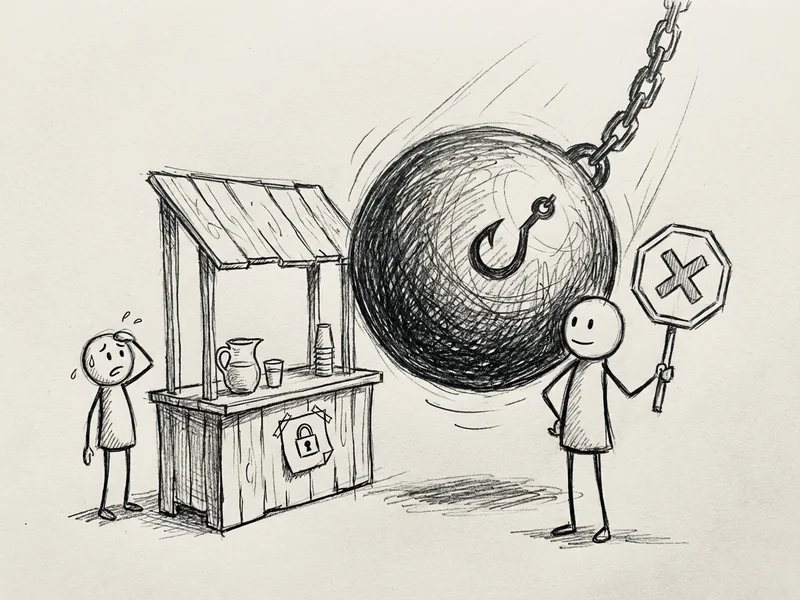
Here's the annoying part. Multi-party approvals isn't available on every Google Workspace plan. You need:
- Enterprise Standard or Enterprise Plus
- Education Standard or Education Plus
- Enterprise Essentials Plus
If you're on Business Starter, Business Standard, or Business Plus—which most small businesses are—you don't have access to this feature.
Enterprise Standard starts around $20/user/month (compared to ~$12 for Business Standard). For a 5-person company, that's an extra $40/month. Whether that's worth it depends on how much you value not losing everything.
You also need at least two super admin accounts. Can't have dual approval if there's only one person who can approve.

How to Turn It On
If you have an eligible plan and two super admin accounts, setup takes about 10 minutes:
- Sign into the Google Admin console as a super admin
- Go to Security → Authentication → Multi-party approval settings
- Click Multi-party approval settings
- Check the box for "Require multi-party approval for sensitive actions"
- Click Save
That turns on the framework. Now you need to decide which specific settings require approval:
- Under Multi-party approval for security settings, check the boxes for 2-Step Verification, Account recovery, and the other settings you want protected
- Under Multi-party approval for vault settings, check Create Export
- Under Multi-party approval for admin settings, check Domains API to protect domain changes
Start with the security settings. Those are the ones that can cause the most damage the fastest.
What Happens When Someone Tries to Make a Change
Once enabled, any admin who tries to change a protected setting sees a notification: "This action requires approval from another admin."
They can add a note explaining why they're making the change (helpful for legitimate requests), then submit it. The request goes to your other super admins via email.
The approving admin can:
- Approve — The change goes through immediately
- Deny — Nothing happens, requester gets notified
- Ignore — Request expires after 3 days, nothing happens
Important: if there's already a pending request for a particular setting, new requests for that same setting are blocked until the first one is resolved. This prevents someone from flooding you with requests hoping one slips through.
Who Should Approve What
By default, only super admins can approve these requests. But Google lets you delegate approval privileges to other admins if you want.
For most small businesses, keep it simple: have two super admin accounts, both held by people you trust implicitly. When either one tries to make a catastrophic change, the other has to sign off.
Don't give super admin to people who don't need it. The fewer super admins, the smaller the attack surface. Two is the minimum for multi-party approvals to work. For a small business, two is probably also the maximum.
The Bigger Picture: Stolen Credentials Are the #1 Threat
22% of all breaches in 2025 started with stolen credentials—more than any other attack method. Not software vulnerabilities. Not zero-day exploits. Just someone's password getting stolen.
Business Email Compromise alone caused $2.77 billion in losses last year. That's billion with a B. Most of that comes from attackers who got into someone's email account and used it to do damage.
Multi-party approvals doesn't stop someone from getting phished. But it stops the worst possible outcome: a single compromised account destroying your entire organization.
You should still have two-factor authentication on every account. You should still train your team to recognize phishing. Multi-party approvals is the safety net for when those defenses fail.
The Quick Summary
- What: Requires two admins to approve dangerous changes in Google Workspace
- Why: Stops a single hacked account from deleting everything
- Who: Available on Enterprise and Education plans (not Business plans)
- Where: Admin console → Security → Authentication → Multi-party approval settings
- How long: 10 minutes to set up
- Cost: Enterprise Standard is ~$8/user/month more than Business Standard
If you're on an eligible plan and you haven't turned this on, do it today. If you're on a Business plan and this worries you, the upgrade math is straightforward: $40/month extra vs. $255,000 average cyberattack cost.
One phished employee shouldn't be able to take down your entire business. Now it doesn't have to.
Questions about securing your Google Workspace setup? Give me a call—I'm happy to walk through what makes sense for your situation.