

Here's a sentence I never thought I'd write: Google released an image generator called "Nano Banana" and it's genuinely changed how I work.
Yes, that's the actual nickname. The banana emoji and everything. Google's branding team apparently had a good day.
But the silly name hides something serious: this is the first AI image tool that's actually practical for everyday small business content. Not because it's the most powerful - Midjourney still wins beauty contests. Because it's free, it's fast, and it understands what you actually need.
The Stock Photo Problem
Let's talk about what I was doing before.
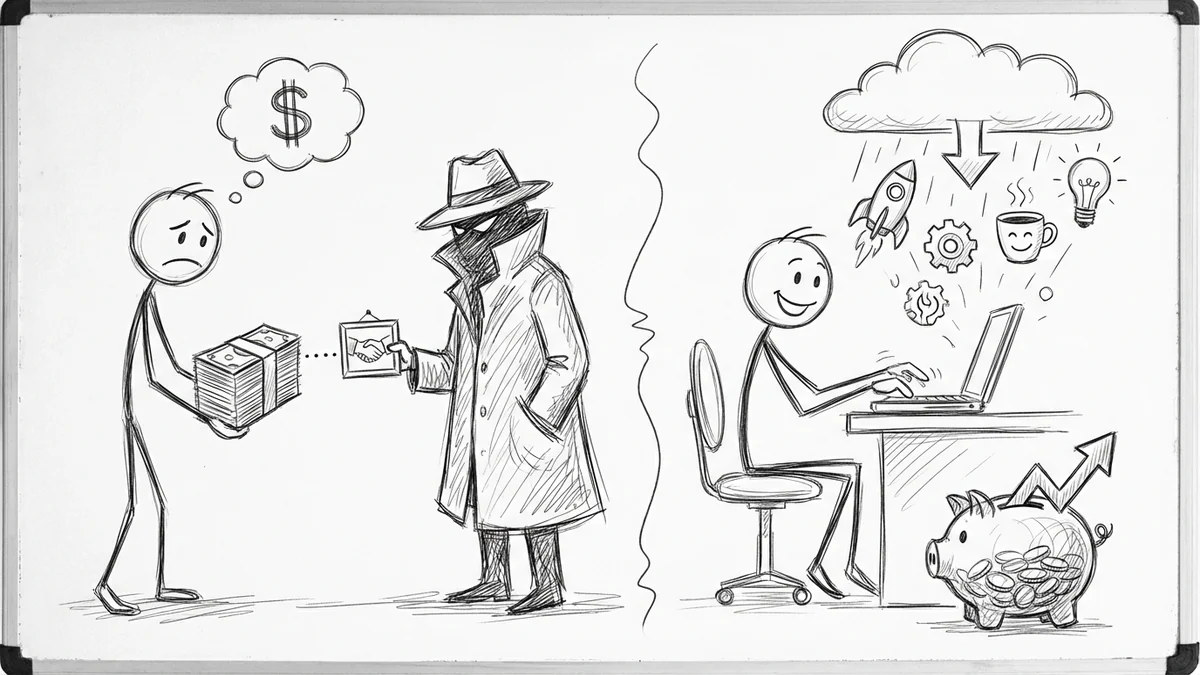
Every blog post needs images. Every social post needs images. Every client website needs images. And royalty-free stock photos run anywhere from $0.20 to $20 each. That's the cheap stuff.
Getty Images charges $175 to $499 per single image. For one photo. Of someone shaking hands in an office.
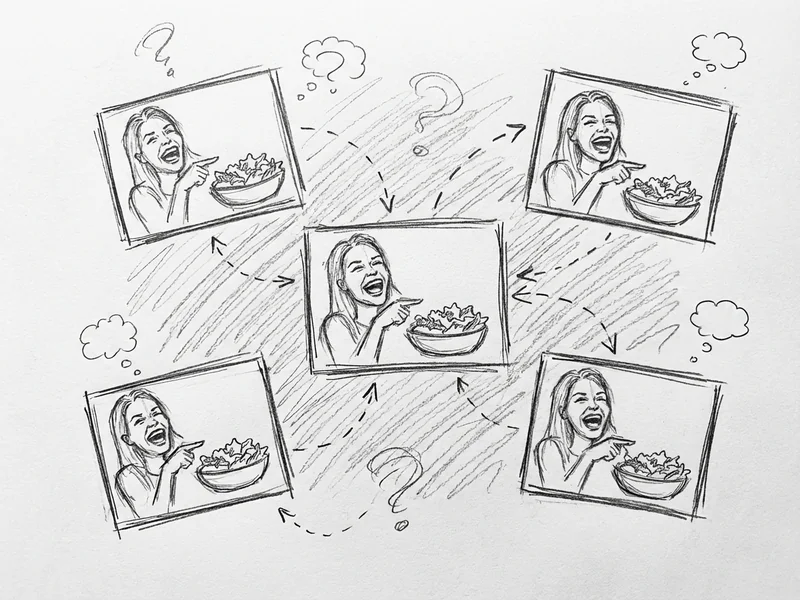
So what did small businesses do? We used the same tired stock photos everyone else used. The woman laughing at salad. The diverse team high-fiving. The guy pointing at a whiteboard. You've seen them a thousand times because everyone's buying from the same pool.
Or we skipped images entirely, which makes your content look amateur compared to competitors who didn't.
What Nano Banana Actually Does
Google released Gemini 2.5 Flash Image for production use back in October 2025. Then in December, Gemini 3 dropped with even better capabilities.
Here's the thing that matters: Google AI Studio gives you 500-1000 free images per day. Per day. Not per month. Not with a credit card on file. Just... free.
For context: if you made 10 images a day, every day, you'd still be using maybe 2% of your free quota.
The tool can blend multiple images together, maintain character consistency across images, and make targeted edits using plain English. "Make the background warmer." "Add a coffee cup to the desk." "Show the same person but now they're smiling." It just... does it.
My Actual Workflow
Here's what I do now when I need images for client content:
Blog headers: I describe the concept in plain English. "A small business owner looking at a laptop screen showing a rising graph, warm lighting, modern office, photorealistic style." Takes about 30 seconds to generate. If I don't like it, I regenerate with a tweak. Cost: $0.
Social media posts: I match the client's aesthetic. "Minimalist flat illustration of a calendar with checkmarks, blue and white color scheme, clean corporate style." The result fits their brand better than any stock photo ever could.
Product mockups: "Show a coffee shop menu board with 'Specials' written on it, rustic wooden frame, chalkboard style." I used to pay a designer $50 for this. Now it takes 45 seconds.
Before/after comparisons: "Show a cluttered desk with papers everywhere" then "Show the same desk but organized and clean." Character consistency means the desks actually match.
The Prompts That Actually Work
After a few months of using this, I've figured out what makes good prompts:
Be specific about style: "photorealistic" vs "illustration" vs "watercolor" vs "minimalist flat design" produces wildly different results. Pick one.
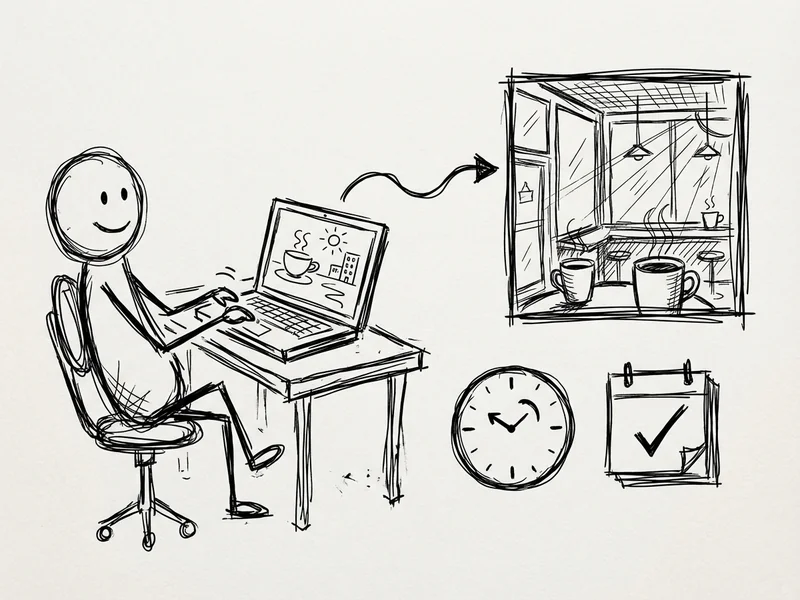
Include context: "A coffee shop" is vague. "A cozy coffee shop in the morning with sunlight coming through windows and a barista making a latte" gives the AI something to work with.
Mention the vibe: "Professional," "friendly," "modern," "rustic" - these words actually shift the output meaningfully.
Specify aspect ratio: You can ask for "wide banner format" or "square for Instagram" and it adjusts.
The worst prompts are vague ones. "Make me a business image" gives you garbage. "Show a small business owner reviewing paperwork at a desk, professional but approachable, soft natural lighting, realistic style" gives you something you'd actually use.
Where It Falls Short
I'm not going to pretend this is perfect. Here's where it still struggles:
Text in images: It's gotten better, but it still occasionally mangles words. If you need text on an image, add it in a graphics program afterward.
Hands: AI still has a weird relationship with fingers. If your image prominently features hands, double-check it.
Specific brand elements: It can't recreate your exact logo or trademarked characters. Those need to come from your brand assets.
Photo-perfect faces: For headshots or specific people, you still need actual photography. AI faces work for illustrations, not for "meet the team" pages.
But for blog headers, social graphics, concept illustrations, and visual metaphors? It's better than stock photos 90% of the time. And infinitely cheaper.
How to Actually Try This
Go to Google AI Studio. Sign in with your Google account. No credit card, no trial period, no catch.
Pick "Gemini 2.5 Flash" or newer from the model dropdown. Type something like: "Create an image of [whatever you need]." Hit enter.
That's it. You're done. The image generates in about 15-30 seconds.
If you don't like it, regenerate. If you want to edit it, describe the edit in plain English: "Make the colors warmer" or "Remove the background" or "Show this from a different angle."
55% of small businesses are using AI tools now. If you're not, this is an easy place to start - the barrier is literally zero dollars and five minutes.
The Bottom Line
Stock photos cost money and look generic. Custom design costs even more money. AI image generation costs nothing and produces exactly what you describe.
This isn't about replacing professional photographers or designers for high-stakes projects. It's about not paying $20 for a mediocre stock photo when you need a blog header by tomorrow.
I've made hundreds of images with this tool over the past few months. My clients' content looks more custom, more consistent, and more on-brand than it ever did with stock photos. And my visual content budget dropped to essentially zero.
Is Google going to keep this free forever? Probably not at these limits. But right now, today, you can generate 500+ images per day for free. That's not a typo. Use it while you can.
Questions?
If you're trying to figure out how to use AI tools for your business content—or just want to bounce ideas around—give me a call. I'm happy to point you in the right direction.