
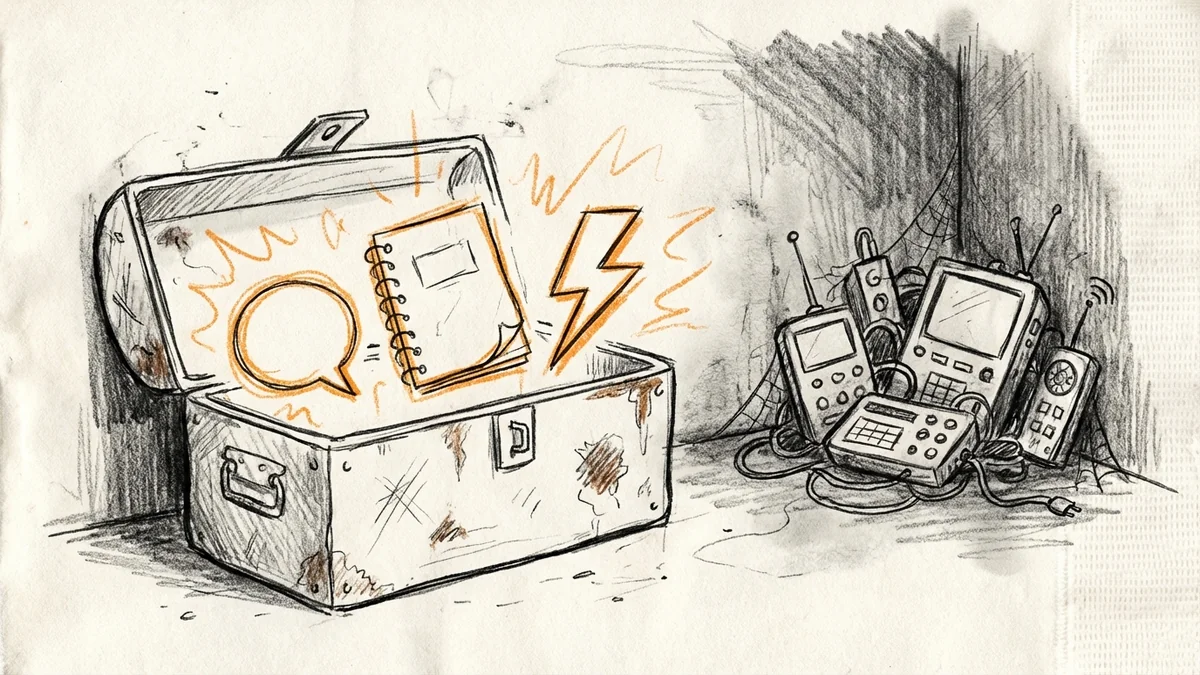

Every year, tech media goes crazy about hundreds of new tools. Most of them are useless for a plumber in Paso or a speech therapist in SLO. I'm not going to waste your time with that stuff.
Instead, here's what actually worked for my clients this year. Three tools that saved real time and real money. Not hypotheticals. Not "you could use this for..." Real businesses, real results. (If you're looking for more Central Coast-specific tech advice, I wrote up what actually moves the needle for SLO County businesses.)
The Big Picture: Small Businesses Went All-In on AI
Before we get to the specific tools, let me share something that surprised me this year.
98% of small businesses are now using some kind of AI-enabled tool. That's not a typo. And the use of tools like ChatGPT nearly doubled from last year.
But here's what matters more than adoption numbers: 57% of small business owners using AI are saving $500 to $2,000 a month. That's not theoretical. That's money that stays in your pocket instead of going to extra hours or extra hires.
97% of business owners who use AI say it's made their business more efficient. When nearly everyone agrees on something, it's probably true.

Tool #1: ChatGPT (The Free Version is Now Good Enough)
I wrote about GPT-4o going free back in May. By year's end, it's become the tool my clients use most often.
Here's what they actually use it for:
- Customer emails: A property manager in Arroyo Grande drafts all her tenant communications in ChatGPT first. She estimates it saves her 5-6 hours a week.
- Social media posts: A coffee roaster uses it to write Instagram captions. "I give it our voice and some bullet points. It gives me three options. I pick one and tweak it."
- First drafts of everything: Proposals, job descriptions, FAQ pages. Not perfect, but a starting point that's 80% there.
The key insight: don't ask it to write the final thing. Ask it to write a first draft that you improve. That's where it shines.
Cost: Free (the paid version is $20/month, but most small businesses don't need it)
Tool #2: NotebookLM (The Sleeper Hit of 2024)
If you haven't heard of NotebookLM, you're not alone. It didn't get the hype that ChatGPT did. But traffic to NotebookLM grew over 200% in just one month this fall. People are catching on.
Here's what makes it different: you upload YOUR documents, and it becomes an expert on YOUR stuff. Not the internet. Not random training data. Your actual manuals, contracts, and files.
Real examples from my clients:
- A general contractor uploaded all of SLO County's permit requirements. Now when he's on a job site and needs to know a setback requirement, he types the question and gets an answer in seconds. With citations.
- A small law office uses it for case research. Upload the relevant documents, ask "what are the key dates in this contract?" and get an answer that would have taken 30 minutes to find manually.
- A property manager loaded her HOA rules and lease templates. Tenant asks "can I install a Ring doorbell?" She has the answer in 10 seconds.
Cost: Free (there's a Plus version for $20/month, but the free tier is generous)

Tool #3: Zapier (Still the Automation King)
I know, I've written about Zapier before. But 2024 was the year it clicked for more of my clients.
The pattern I saw: people finally understood that automation isn't about replacing themselves. It's about saving 20+ hours a month on tasks that shouldn't need human attention.
The automations that saved the most time this year:
- Form to spreadsheet to notification: Someone fills out a contact form. It goes into a Google Sheet. You get a text or Slack message. Zero chance of missing a lead.
- Payment to welcome email: Client pays through Stripe or Square. They immediately get a welcome packet. You don't have to remember to send it.
- Calendar booking to prep email: Someone books a consultation. They automatically get an email explaining what to prepare. No-show rate drops.
The free tier gives you 5 automations. That's enough to test whether it's worth it. Most of my clients eventually upgrade to the $20/month plan because the time savings justify it easily.
Cost: Free to start, $20/month for most small businesses
What Didn't Make the List
A few things that got tons of hype but didn't pan out for my clients:
- AI image generators: Cool for messing around. Not practical for most small businesses yet. The images are either too generic or too weird.
- Voice AI assistants: The technology is getting better, but most customers still want to talk to a real person or at least a real email.
- Complex CRM systems: If you have 1-5 employees, you probably don't need Salesforce. A Google Sheet or a simple tool like Notion works fine.
Don't let tech media make you feel behind. Most of the flashy stuff isn't ready for small business use.
The Common Thread
Here's what all three tools have in common:
- Free or cheap: None of them require a big upfront investment. You can try them today for $0.
- Immediate payoff: You don't need to spend weeks learning them. You can save time in your first session.
- They solve real problems: Writing emails, finding information, automating repetitive tasks. Not hypothetical use cases.
91% of small businesses using AI say it will help them grow. They're not wrong. But the growth comes from using tools that solve actual problems, not from chasing every new shiny thing.
How to Get Started
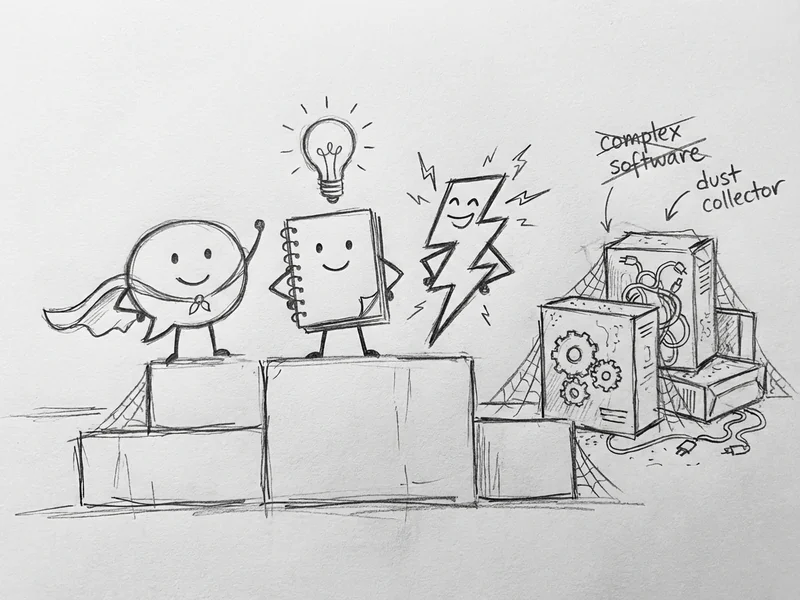
Pick one. Seriously, just one.
If you write a lot of emails and social posts: ChatGPT.
If you have documents you constantly need to reference: NotebookLM.
If you're copying data between apps or doing the same task every time something happens: Zapier.
Use it for a week. See if it saves you time. If it does, keep going. If it doesn't, try the next one.
The worst thing you can do is try to learn all three at once. That's how tools end up unused.
What YouGrow Does Differently
These tools are great for specific tasks. But they won't build your website, and they won't think through your overall tech strategy.
I help small businesses figure out which tools actually make sense for their situation. Sometimes it's setting up a Zapier automation. Sometimes it's showing you how to use ChatGPT for your specific use case. Sometimes it's building something custom. (More about how I work.)
If you're not sure where to start with any of this, let's have a conversation. No charge for the initial chat. I'll tell you what I think would help, and you can decide whether to move forward.