

OpenAI released o3 and o4-mini on April 16, 2025, and the names are confusing. Why o3 and o4-mini? What happened to regular numbers? Where's o2?
Ignore the naming. Here's what actually matters: these are the first AI models from OpenAI that can do things for you, not just talk about doing things. That's a bigger deal than it sounds.
From 'Answer My Question' to 'Go Do This'
If you've used ChatGPT or any AI chatbot, you know the drill. You ask a question, it gives you an answer. You want a chart? It explains how to make one. You need to research something? It summarizes what it knows (which might be outdated).
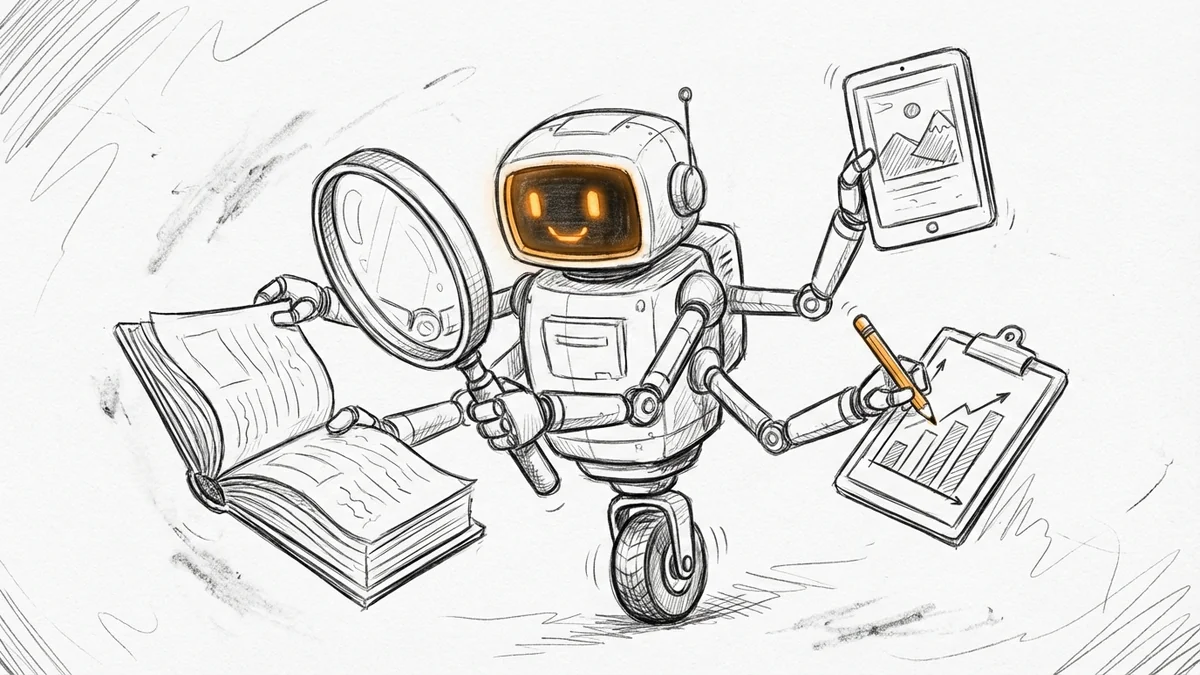
With o3 and o4-mini, the AI can now use tools – search the web, run code, analyze files, even generate images – all in one conversation, without you switching between different apps.
Here's a practical example. Say you ask: "How will summer energy usage in California compare to last year?"
Old AI: Gives you a general explanation about energy trends, maybe some outdated statistics, and tells you to check the utility company website.
New AI (o3): Searches the web for current utility data, writes code to build a forecast, generates an actual chart, and explains the key factors. All in one response.
That's the difference between answering questions and completing tasks.
What 'Agentic' Actually Means
You'll see the word "agentic" everywhere in AI news now. It's marketing speak, but there's a real concept underneath.
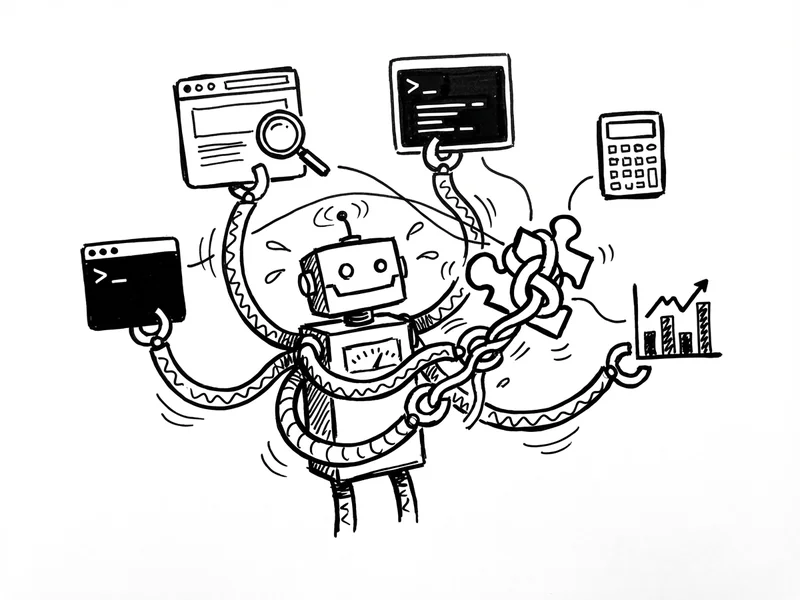
These models are trained to figure out when and how to use tools to solve problems. They don't just know things – they can go find things, check things, and create things as part of thinking through your question.
Think of it like this:
- Regular AI: A really smart assistant who can only talk
- Agentic AI: A smart assistant who can also use your computer
The tools they can use right now include web browsing, running Python code, analyzing images, and generating images. Not everything – it can't send emails or book appointments yet. But the foundation is there, and it'll grow.
o3 vs o4-mini: Which One to Use?
OpenAI released two models at once, and the difference is pretty simple:
o3 is the heavy hitter. Best reasoning, best results, but slower and more expensive (if you're using the API). Use it for complex questions that need deep thinking – strategic planning, complex analysis, difficult coding problems.
o4-mini is built for speed and cost. It's remarkably good for a "mini" model – better than the previous full-size models in many cases. Use it for everyday questions where you need a quick, smart answer.
If you're just using ChatGPT (not building apps), you probably want o4-mini for most things and o3 when you're stuck on something hard. The free tier gives you access to o4-mini if you click "Think" before sending your message—I wrote about this when o3-mini first became free.
Why This Matters Right Now
Here's the thing about AI adoption: it's happening faster than most people realize.
68% of small businesses now use AI regularly, up from 48% less than a year ago. That's not early adopter territory anymore. That's mainstream.
74% of those businesses say AI makes them more productive – meaning higher output for the same time and effort. 58% report saving over 20 hours per month. That's half a work week back, every single month.
The businesses learning to work with AI agents now will have a real head start. Because once you can tell an AI "research my competitors and create a comparison chart" instead of doing it manually? You're not going back.
How to Try This Yourself
You don't need a paid subscription to try o4-mini. Go to chatgpt.com, click "Think" in the message box before you send your question, and you'll use the new model.
Here are some things worth trying:
- Research with current data – Ask about something that changes: "What's the current average mortgage rate and how does it compare to last month?" Watch it search the web and give you actual current numbers.
- Analysis that requires calculation – "I have 3 employees working 40 hours/week at $22/hour. What's my monthly labor cost including 15% for taxes and benefits?" It'll write the code, run it, and give you the answer.
- Multi-step requests – "Find 5 competitors in my industry [describe it], compare their pricing if available, and summarize the main differences." This is where agentic really shines.
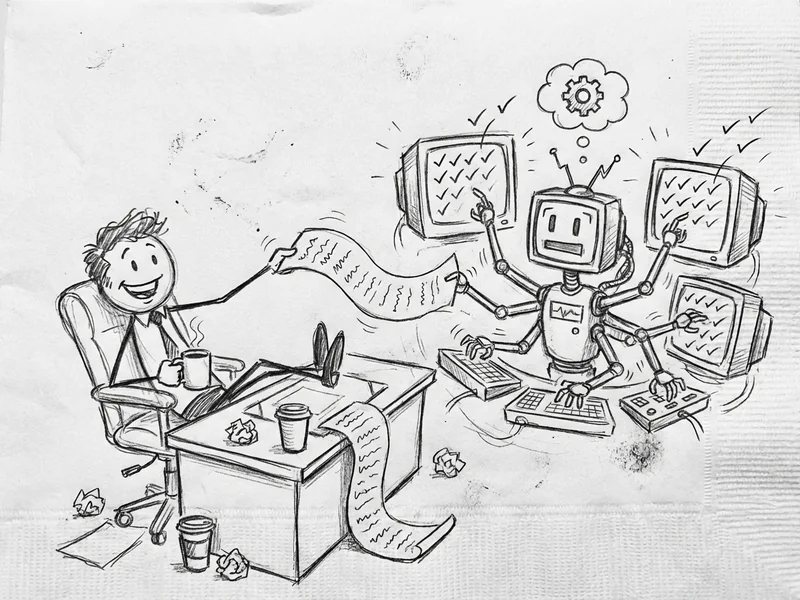
The key is to ask for tasks, not just information. Don't ask "what should I know about X" – ask "do X for me."
The Honest Take
Is this perfect? No. The AI will sometimes search for things it should already know, or miss obvious shortcuts you'd catch yourself. It occasionally gets confused on multi-step tasks and needs you to clarify.
But here's the reality: imperfect AI that can actually do things beats perfect AI that can only explain things. I've been using these models since release, and the time savings are real. Tasks that used to require me to switch between four different tabs now happen in one conversation.
This is the direction everything is heading. Your accounting software, your scheduling tool, your email – all of them will have some version of "do this for me" within a year or two. Getting comfortable with the concept now, while it's still optional, is smart.
Need Help Making Sense of All This?
AI announcements come fast – Gemini 2.0, Deep Research, Claude 3.7, now o3 and o4-mini. It's a lot.
My job is to sort through the hype and tell you what actually matters for running a small business. When something's genuinely useful, I'll say so. When it's just tech companies trying to sound impressive, I'll say that too.
If you're wondering how any of this applies to your specific situation—or you're just drowning in AI news and want someone to cut through it—give me a call. No jargon, no sales pitch. Just practical advice about what's worth your time.